
Overview
Use the map filters, phone apps and collection counters early to avoid repeating work after the story.
How it works in story mode
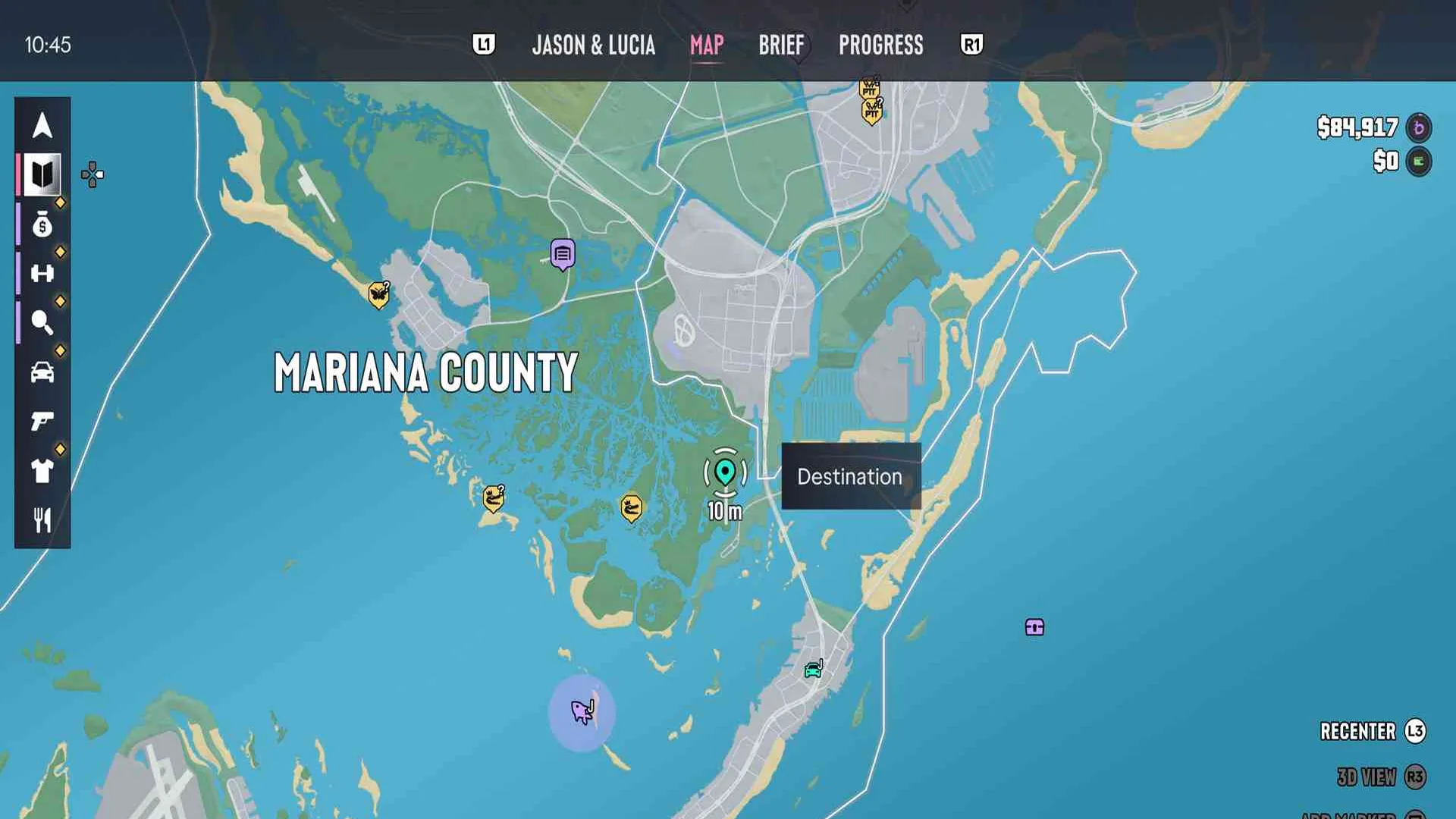
- Pink mission markers with black letters identify story objectives. Reverse colors mark optional missions, and purple markers identify smaller side activities. Set the map filter before hunting for a specific shop or activity.
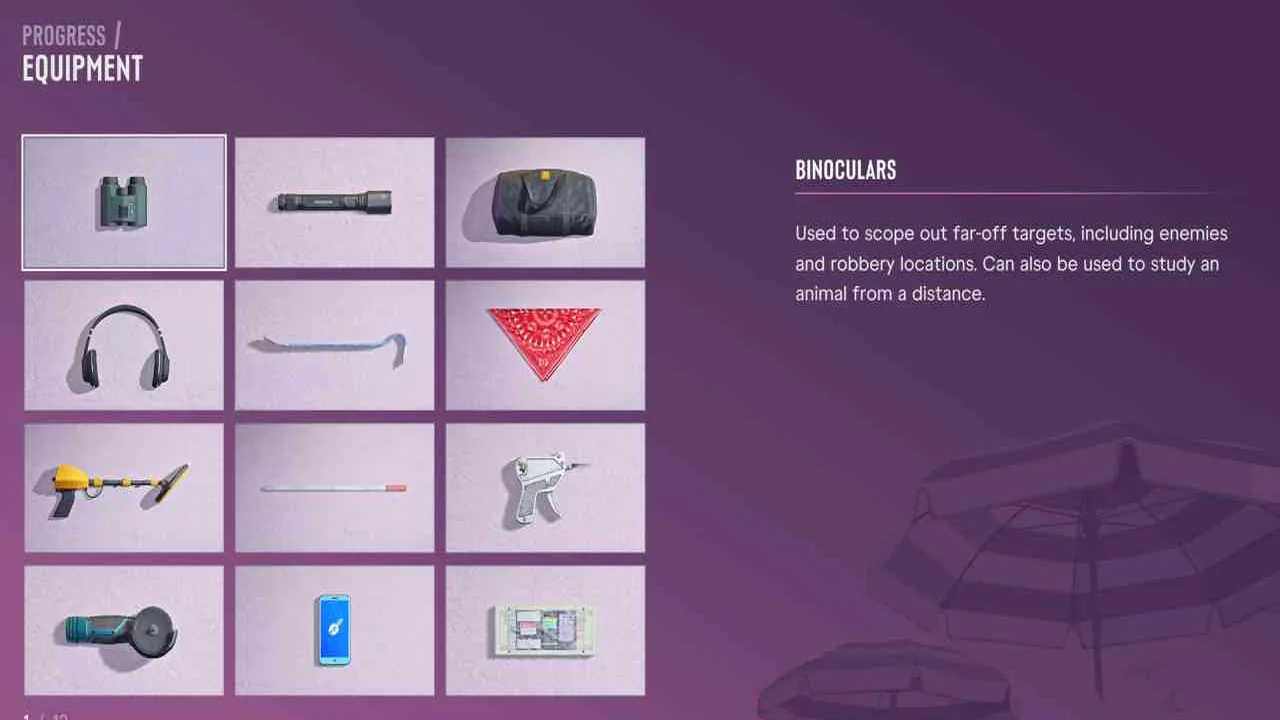
- Scan vehicle models with WAiNK and study wildlife through binoculars as you travel. Turn on progress notifications to confirm which discoveries registered.
- Use BuckMe to track checking funds and review the family savings prompt carefully before moving cash. For travel, use a taxi or the RydeMe app after it unlocks in Chapter 2, and check the fare before accepting.
Common questions
Where can I check my in-game progress for this activity or system?
Open the pause menu and check Progress (Stats, Activities, or Collections) alongside your map filters so you only chase objectives that still need completion.
Related pages →Should I make a manual backup save before testing this out?
Whenever you spend big cash, test high-heat setups, or push near a chapter transition, save manually outside missions first so your autosave stays protected.
Related pages →Key facts
1 key factsGuide referenceUse the map filters, phone apps and collection counters early to avoid repeating work after the story.
 Mechanic
 Location