
Overview
The Progress Database groups your discoveries across vehicles, wildlife, weapons, collections and activities. Use it to see what the game has registered and compare that with the separate story completion checklist.
Find your counters in the Progress Database
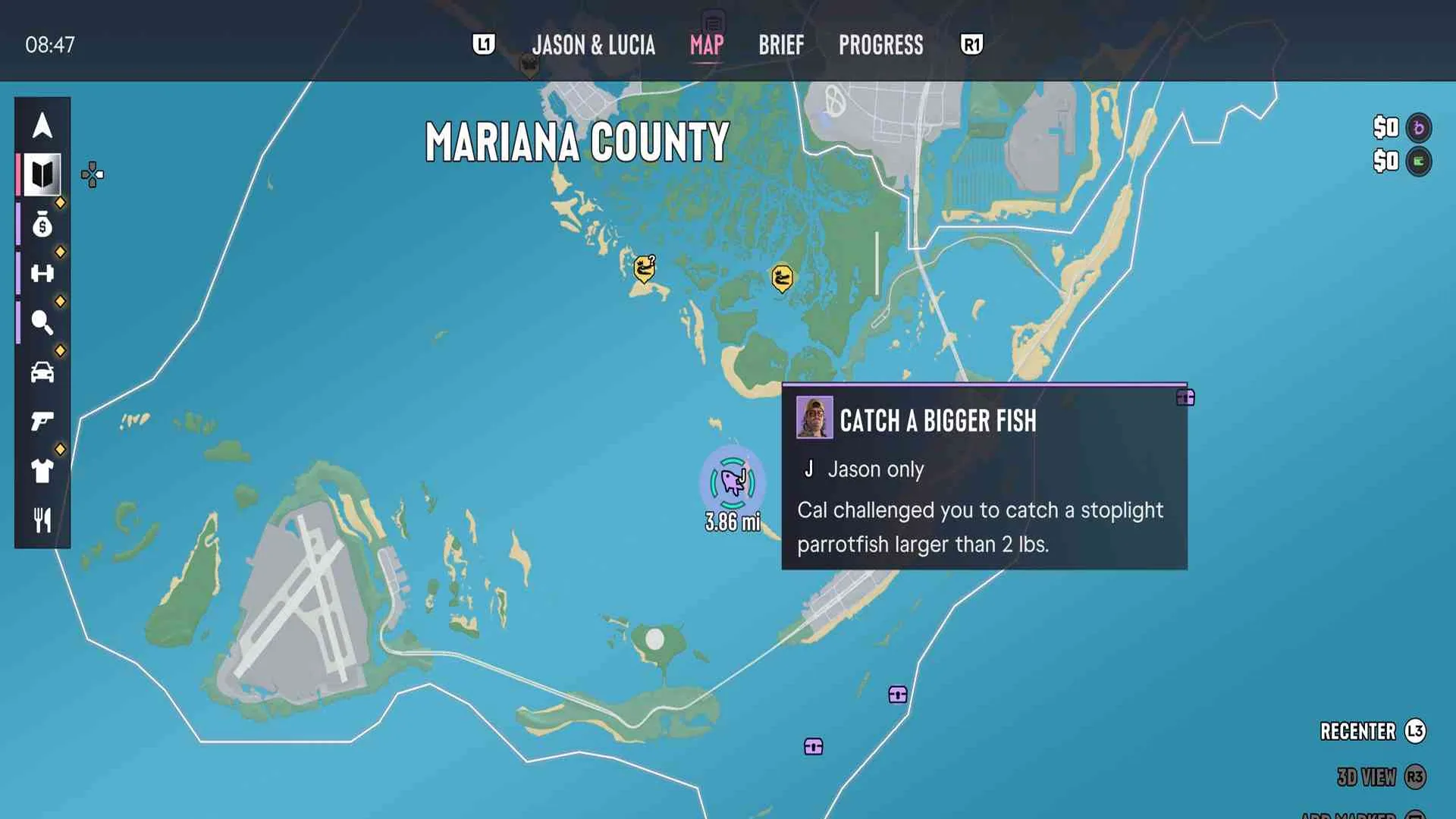
- Open Map → Progress. Find the relevant category and check the count after a scan, photograph or other interaction. Some subcategories only show up once you register the first entry.
- For vehicle scans, look under Vehicles and track the 277 base models separately from 280 Standout variants. The complete Animals group contains 255 entries. The post-story checklist asks for 200 base models and 100 animal studies.
- Use Collections for WAiNK photos, trading cards, 1010 Murals and Ahol Street Art. Under Exploration, look for Underwater Discoveries, Book Swaps, Meditation Spots and magazines. Count reads across Book Swaps and Magazines, Books & Comics for the combined reading requirement.
- If you are finishing the story checklist, compare its thresholds before chasing complete database categories. Challenges, store discoveries and other activity records use separate counters.
Common questions
Where can I check my in-game progress for this activity or system?
Open the pause menu and check Progress (Stats, Activities, or Collections) alongside your map filters so you only chase objectives that still need completion.
Related pages →Should I make a manual backup save before testing this out?
Whenever you spend big cash, test high-heat setups, or push near a chapter transition, save manually outside missions first so your autosave stays protected.
Related pages →Key facts
1 key factsGuide referenceThe Progress Database groups your discoveries across vehicles, wildlife, weapons, collections and activities. Use it to see what the game has registered and compare that with the separate story completion checklist.
 Mechanic
 Item or collectible