
Overview
The 100% checklist and You WAiNKer! use 100 scans from the five WAiNK sets. The controller cue helps locate nearby scans.
How to find the locations
- When the nearby scan notification appears, open the phone scanner and aim at the WAiNK symbol. Wait for the scan confirmation before moving to another point.
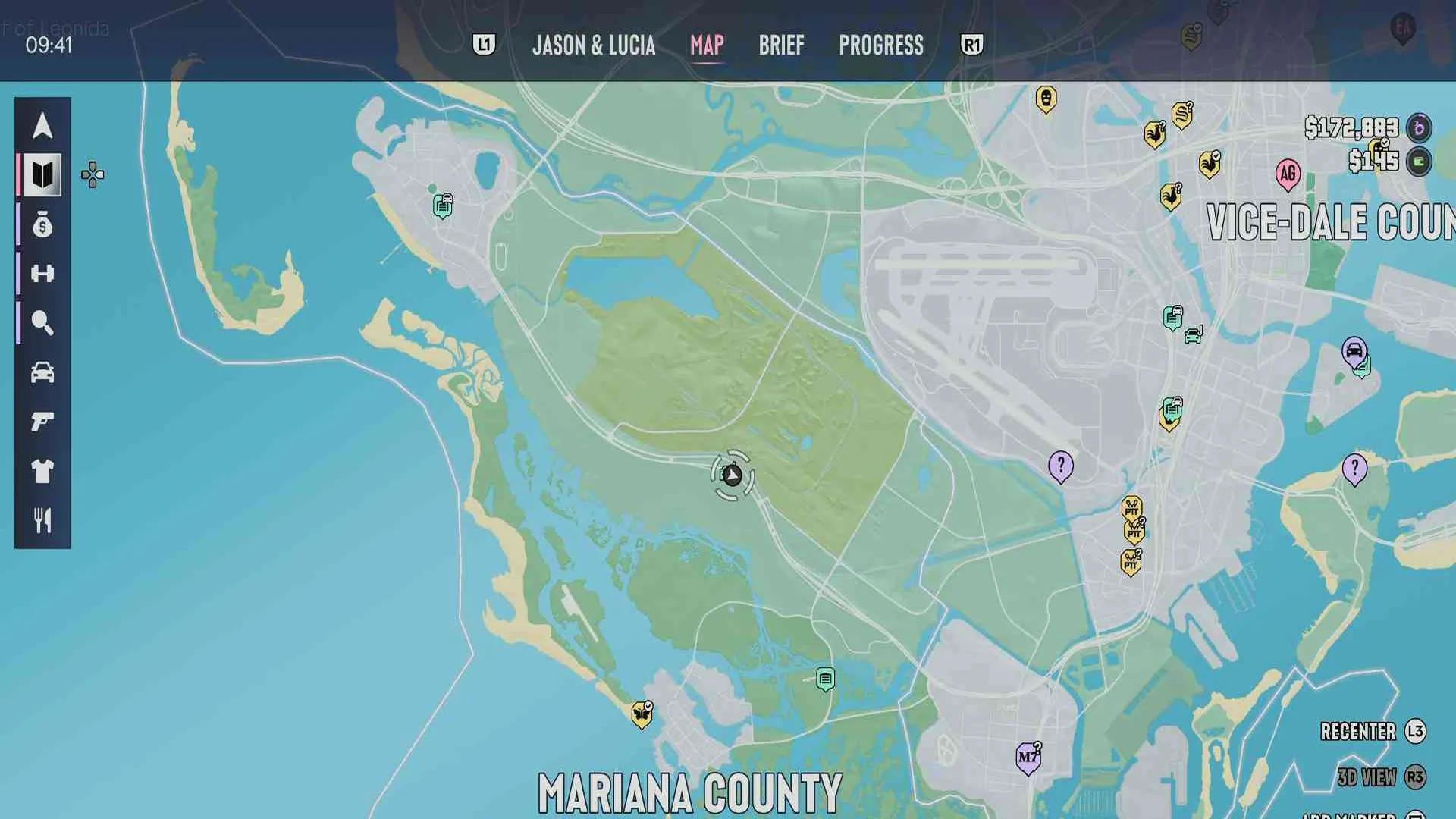
- Check Progress → Collections → WAiNK Locations for Landmarks, Curiosities, Sculptures, Peewees Billboards and No Flusher Tags. Ahol Street Art and 1010 Murals appear under their own collection counters.
Common questions
Where can I check my in-game progress for this activity or system?
Open the pause menu and check Progress (Stats, Activities, or Collections) alongside your map filters so you only chase objectives that still need completion.
Related pages →Should I make a manual backup save before testing this out?
Whenever you spend big cash, test high-heat setups, or push near a chapter transition, save manually outside missions first so your autosave stays protected.
Related pages →Key facts
1 key factsGuide referenceThe 100% checklist and You WAiNKer! use 100 scans from the five WAiNK sets. The controller cue helps locate nearby scans.
 Item or collectible