
Overview
Finish Pete’s two marked flight jobs, then watch for his final set of deliveries.
Check the deadline for each set of seven packages
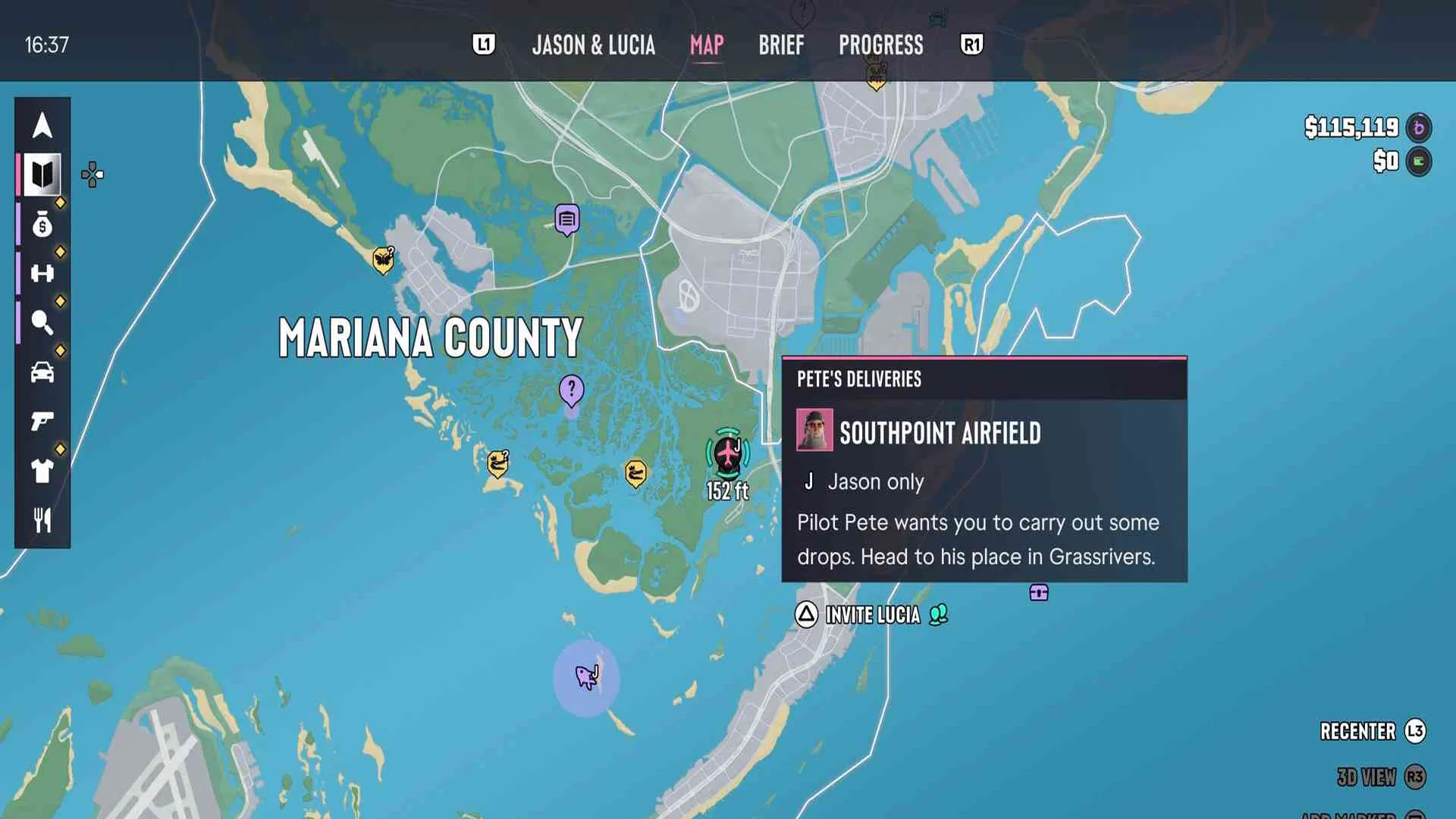
- After Pete messages, choose either route first. For Southpoint Airfield, take the bag at the supplier and finish the seven drops by 20:00.
- At Avery Allen & Co., use the water landing near the supplier. Finish by 14:00 and watch the map’s red airspace circles.
- After both, wait for Pete’s next message. His Leonard County run asks for seven drops before 08:00.
Maps & operation screenshots
Common questions
Where can I check my in-game progress for this activity or system?
Open the pause menu and check Progress (Stats, Activities, or Collections) alongside your map filters so you only chase objectives that still need completion.
Related pages →Should I make a manual backup save before testing this out?
Whenever you spend big cash, test high-heat setups, or push near a chapter transition, save manually outside missions first so your autosave stays protected.
Related pages →Key facts
1 key factsGuide referenceFinish Pete’s two marked flight jobs, then watch for his final set of deliveries.
 Mission