
Overview
Use the phone to locate an ATM and complete the optional deposit without locking away money you plan to spend.
Find an ATM and choose the account
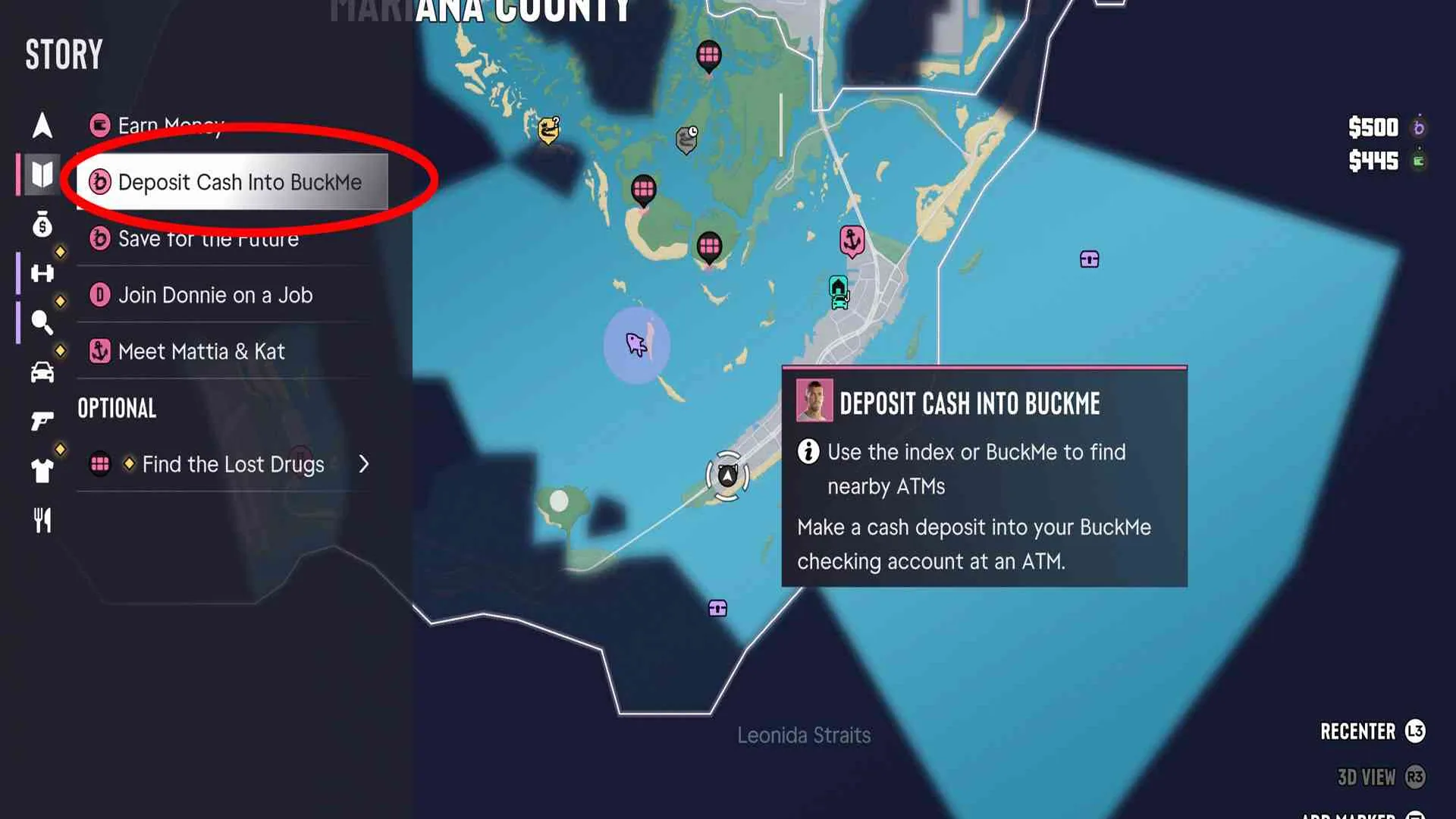
- Open the BuckMe app and choose ATM Finder → Set Destination. The optional task is in the map’s storybook list, so it may have no marker of its own.
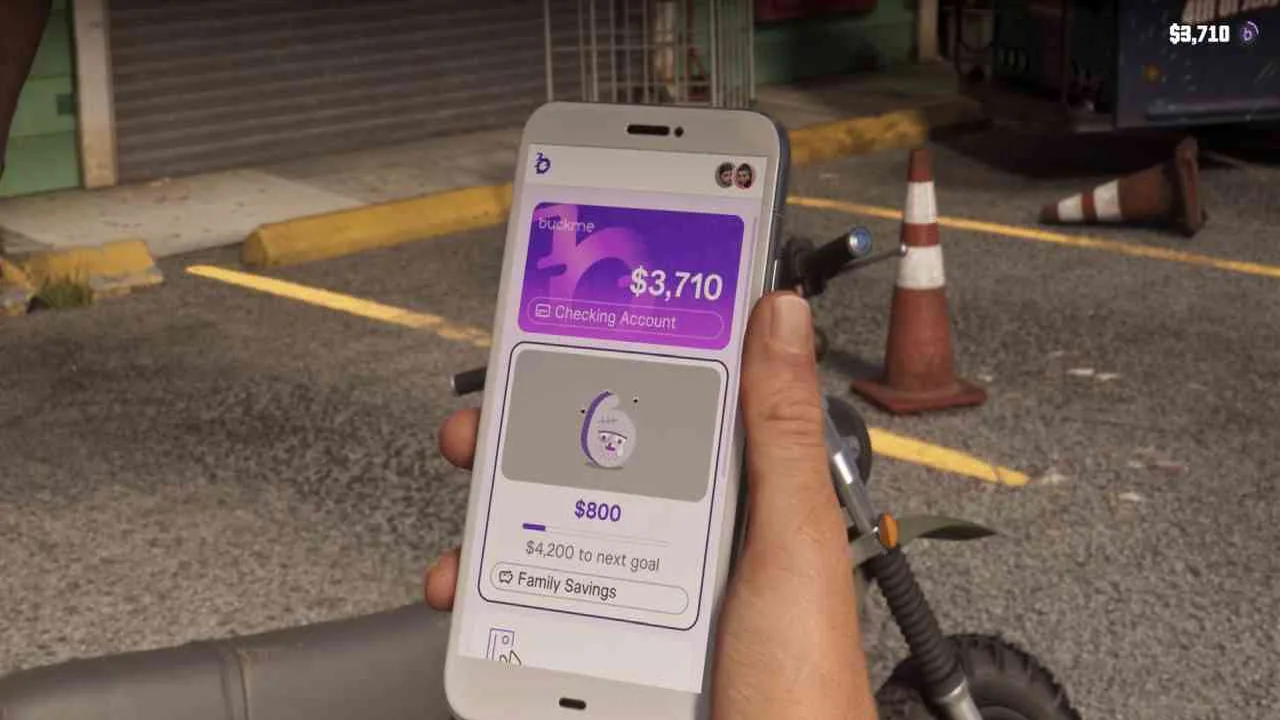
- Use the marked ATM with cash on hand. Family Savings counts toward savings milestones and locks the deposit. Checking is the account you can draw from when you need money later.
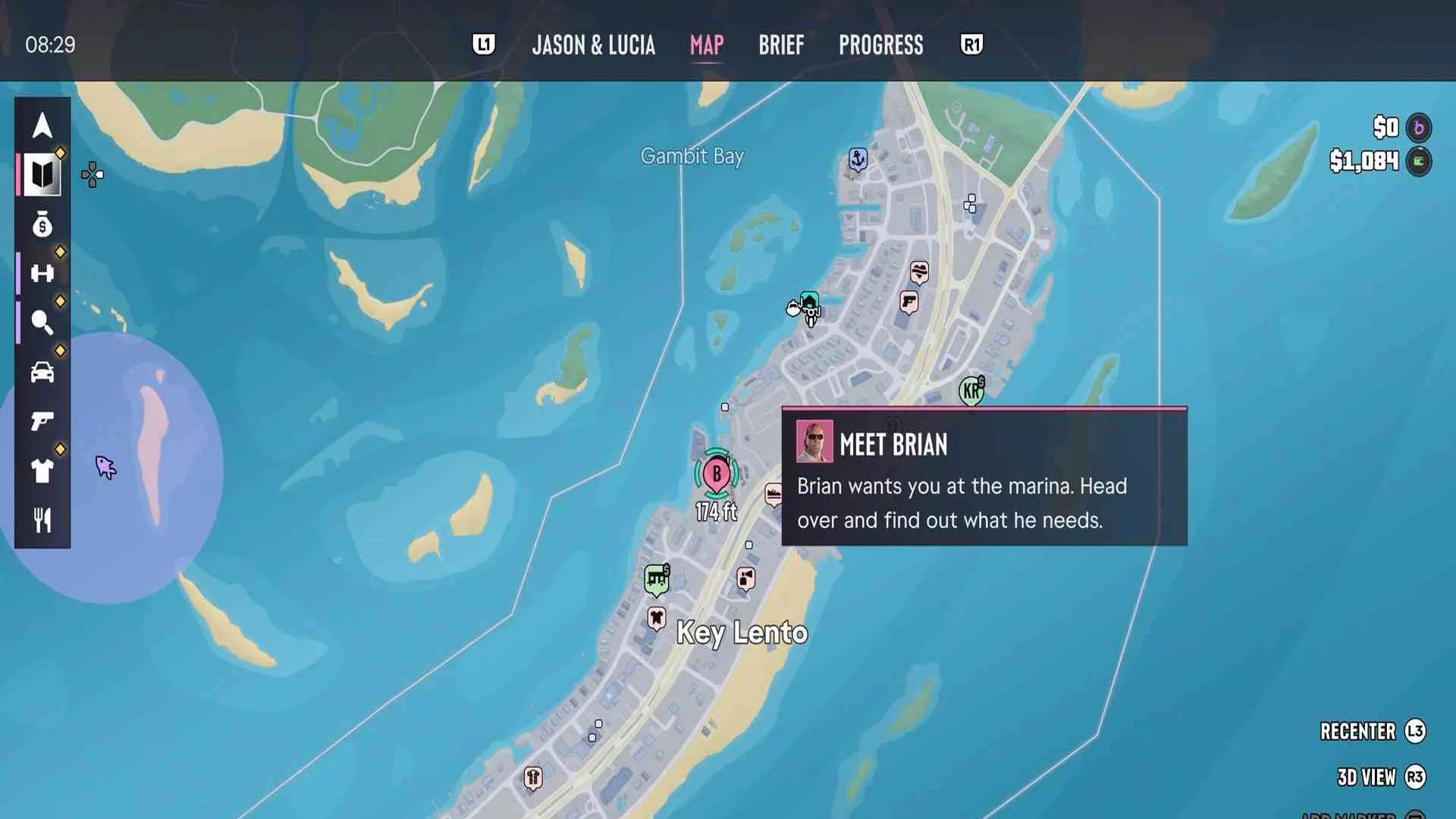
Maps & operation screenshots
Common questions
What should I do first?
Use the phone to locate an ATM and complete the optional deposit without locking away money you plan to spend.
What needs to be unlocked first?
After: Buck Me.
What can I unlock or receive?
None
Key facts
1 key factsKey actionUse the phone to locate an ATM and complete the optional deposit without locking away money you plan to spend.
 Mission
 Mission
 Mission
 Mission