
Overview
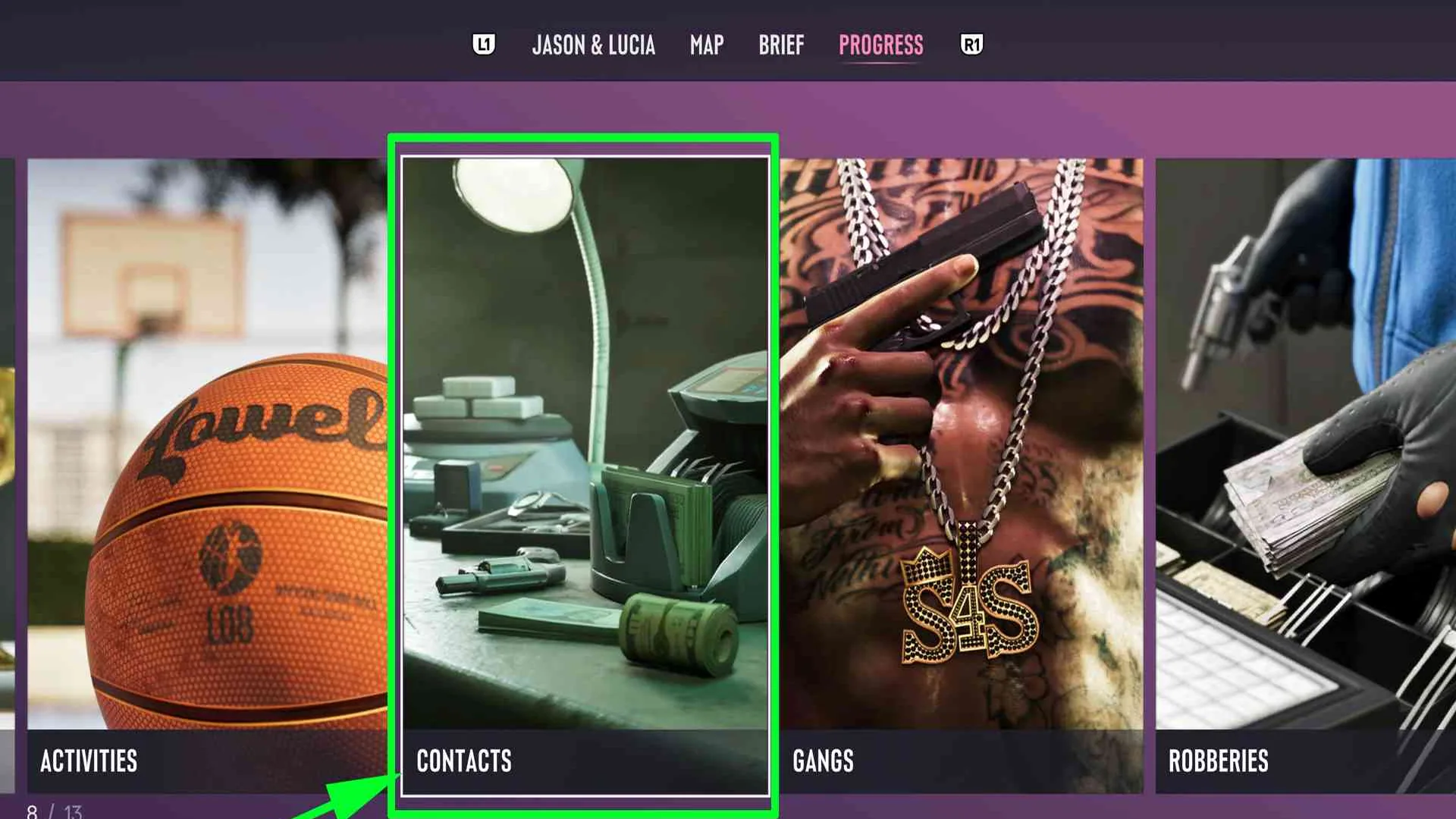
The database has 10 Contacts. Most appear as the story introduces them. Bret Vogel starts with an optional Chapter 2 mission for Jason.
How it works in story mode
- Switch to Jason in Chapter 2 and look for the message that marks Veteran Hunted in Lummox County. Finish the introduction to open Bret’s hunting assignments.
- Check the contact list again after key story introductions. Kenton offers wreck dives, Moses accepts requested vehicles, and Yasmani buys stolen jewelry and marked bills. Open the relevant contact entry when a new job is offered.
Names and locations
Bret Vogel · Brian Heder · Donnie Carter · Dunk Porter · Kenton Rees · Moses Watkins · Pete Wozniak · Randy Kozlov
Tyrone Russo · Yasmani Cabrera
Maps & operation screenshots
Common questions
Where can I check my in-game progress for this activity or system?
Open the pause menu and check Progress (Stats, Activities, or Collections) alongside your map filters so you only chase objectives that still need completion.
Related pages →Should I make a manual backup save before testing this out?
Whenever you spend big cash, test high-heat setups, or push near a chapter transition, save manually outside missions first so your autosave stays protected.
Related pages →Key facts
1 key factsGuide referenceThe database has 10 Contacts. Most appear as the story introduces them. Bret Vogel starts with an optional Chapter 2 mission for Jason.
 Character2P
 Character2P