
Overview
First-person viewing is limited to specific actions; check the current situation before looking for a full camera mode.
Try the supported actions
- Stand still and hold L2 and R3 on PlayStation, or LT and the right-stick button on Xbox, to look in first person.
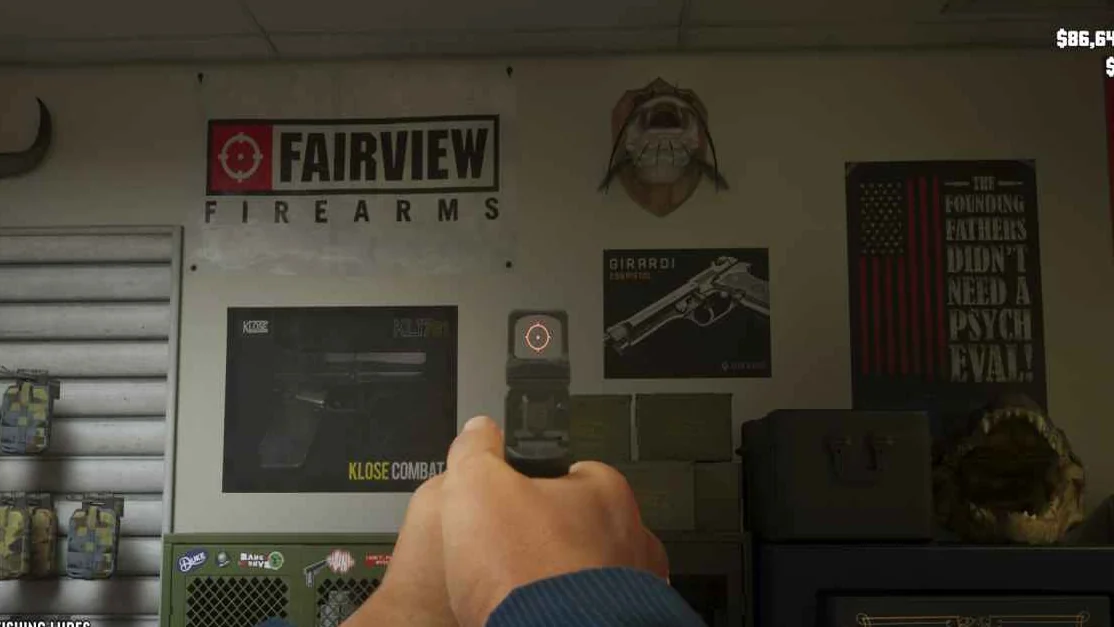
- When aiming a weapon with sights, use that same input to view through the sight. Optics can be fitted through a gun-store clerk.
- While driving, opening the phone with D-Pad Up provides another first-person situation, limited to having the phone out.
Camera limits
The stationary look does not allow walking around in first person. These controls describe the available situations, not a promise of a future camera update.
Maps & operation screenshots

Common questions
What should I do first?
First-person viewing is limited to specific actions; check the current situation before looking for a full camera mode.
Key facts
1 key factsKey actionFirst-person viewing is limited to specific actions; check the current situation before looking for a full camera mode.
 Mechanic