

Overview
Checking funds are spendable; Family Savings are locked. Check which account you are moving money into before confirming.
Unlock the app
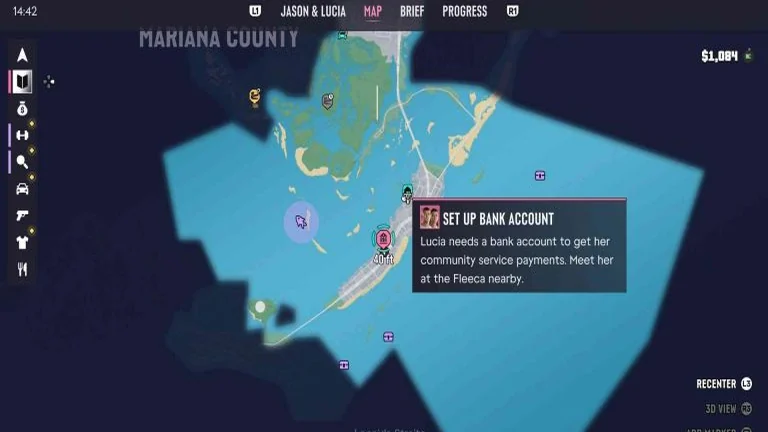
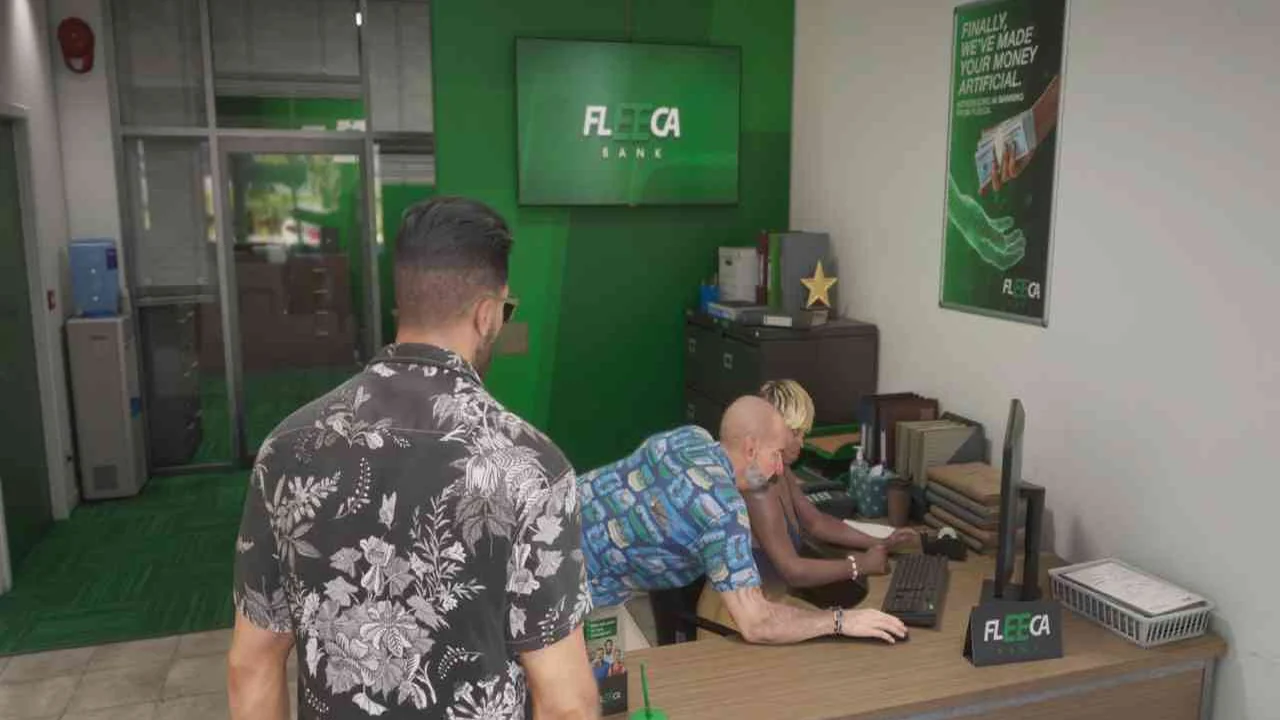
- After Coming Home, wait for Lucia’s bank call and meet her at the Key Lento Fleeca branch as Jason.
- Speak to the teller, then the manager in the right-hand corner. Follow the meeting to receive BuckMe.
- At home, open the purple B app and complete the introductory $100 Family Savings transfer.
Avoid trapped or delayed money
Family Savings cannot be withdrawn. Savings milestones increase checking capacity and unlock perks, so transfer only the amount needed for the milestone you want.
A full checking account holds new incoming payments until you make room. Use ATM Finder in BuckMe to deposit or withdraw cash, and check the capacity before turning in a large haul.
Purchases above $1,000 require banking payment; the account can also cover smaller purchases when you have no pocket cash.
Maps & operation screenshots
Common questions
What should I do first?
Checking funds are spendable; Family Savings are locked. Check which account you are moving money into before confirming.
Key facts
1 key factsKey actionChecking funds are spendable; Family Savings are locked. Check which account you are moving money into before confirming.
 Mechanic